
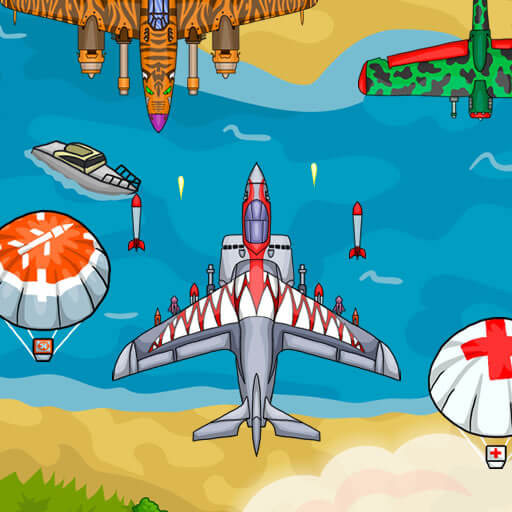
Air Force Commando
Attend to the mission objective and the opposing aircraft rather than assuming flight alone completes the task.
Choose a kind of attention
What would you prefer to focus on? The following selections connect to Air Force Commando through the catalog details named below.
Combat encounters
Compare the encounter structure described in the catalog: a duel, a mission and repeated waves need different kinds of attention.
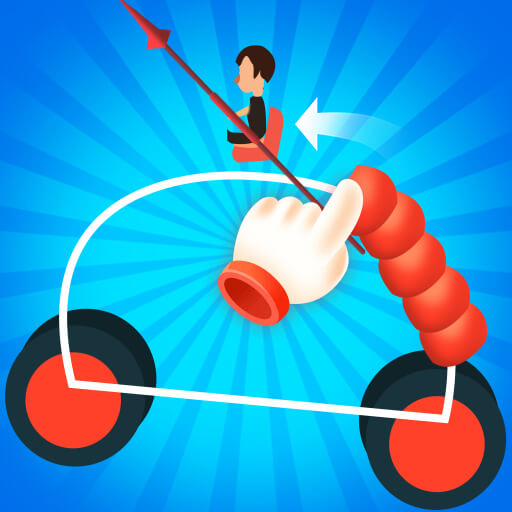 Draw Joust
Consider what the duel asks of the vehicle before choosing its drawn shape.
Dealing with hazards and opponents
Avoidance and direct confrontation respond to different threats. Compare whether the catalog describes moving away from a hazard or acting against an opponent.
 Rope Ninja
For this choice, attention goes to swing timing and the hazards surrounding the route.
About this edition's selection method. These are catalog-based introductions and comparisons, not hands-on reviews. Controls and current rules come from the game provider.
Getting started
Open the play page, then choose Start game to connect to the game provider. Follow the instructions displayed inside the game for its rules and controls. Use touch controls where supported, or a mouse and keyboard on desktop.
If the game does not fit your display, try rotating your device or using the fullscreen control. Loading and device compatibility depend on the external provider.