
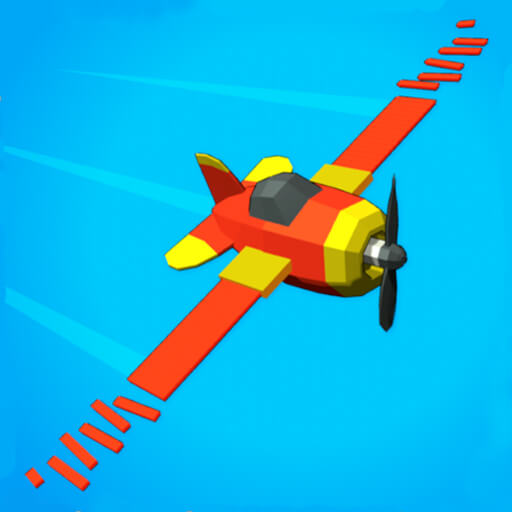
Crash Landing 3D
Attend to the craft's approach and the landing information shown by the game.
Choose a kind of attention
What would you prefer to focus on? The following selections connect to Crash Landing 3D through the catalog details named below.
Timing a defined action
A swing, jump, landing or cut has a different intended result. Compare that result before assuming the timing challenge will feel the same.
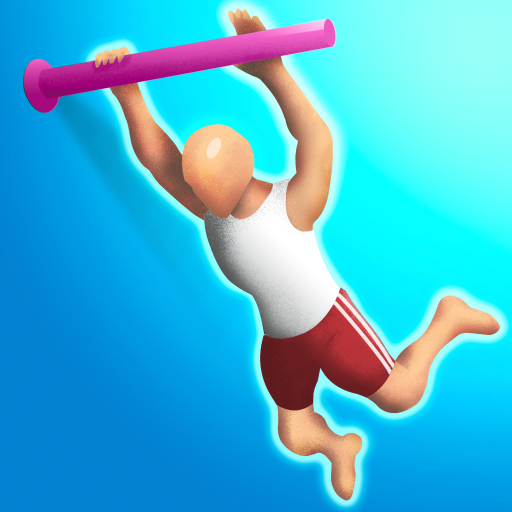 Flip Champs
Choose it for attention to rotation and timing rather than a ball-scoring objective.
Responding to a timed task
The archived descriptions explicitly mention a clock, speed or a timing requirement for these tasks; that does not establish the same time limit across games.
 One Odd Out
Choose it when spotting differences under a clock appeals; the simple premise should not be mistaken for unhurried pacing.
About this edition's selection method. These are catalog-based introductions and comparisons, not hands-on reviews. Controls and current rules come from the game provider.
Getting started
Open the play page, then choose Start game to connect to the game provider. Follow the instructions displayed inside the game for its rules and controls. Use touch controls where supported, or a mouse and keyboard on desktop.
If the game does not fit your display, try rotating your device or using the fullscreen control. Loading and device compatibility depend on the external provider.