
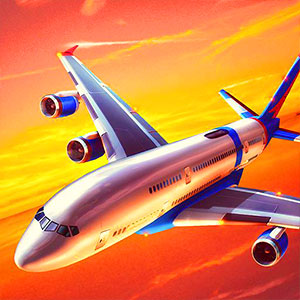
Flight Sim
Consider this for attention to aircraft movement and the objectives described by each mission.
Choose a kind of attention
What would you prefer to focus on? The following selections connect to Flight Sim through the catalog details named below.
Driving and navigation
Parking, transporting and racing give vehicle control different purposes; a shared vehicle theme does not establish a shared handling model.
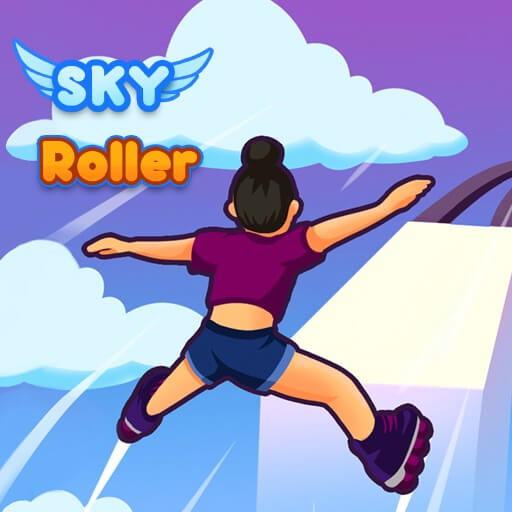 Sky Roller Online
Attend to the next track section and the space available for the movement the game presents.
Aircraft and outer space
Aerial travel, a safe landing and fictional planetary destruction use very different objectives within airborne or space settings.
 Missiles
Watch both the approaching threats and where the plane can move next.
About this edition's selection method. These are catalog-based introductions and comparisons, not hands-on reviews. Controls and current rules come from the game provider.
Getting started
Open the play page, then choose Start game to connect to the game provider. Follow the instructions displayed inside the game for its rules and controls. Use touch controls where supported, or a mouse and keyboard on desktop.
If the game does not fit your display, try rotating your device or using the fullscreen control. Loading and device compatibility depend on the external provider.