
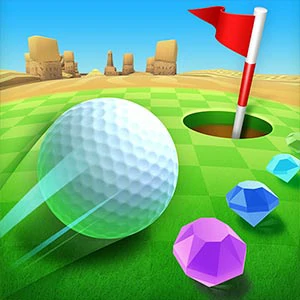
Mini Golf Adventure
Examine the hole's position and the intervening obstacles before selecting a shot.
Choose a kind of attention
What would you prefer to focus on? The following selections connect to Mini Golf Adventure through the catalog details named below.
Aiming at a target
Compare stationary targets, moving targets and a defended goal. A shared aiming task does not imply shared inputs or scoring.
 Hit Cans 3D
Choose it for attention to target placement and the effect an aimed hit should produce.
Reaching a destination
A hole, a parking space and a course finish are different destinations. Compare what must move and what stands in its way.
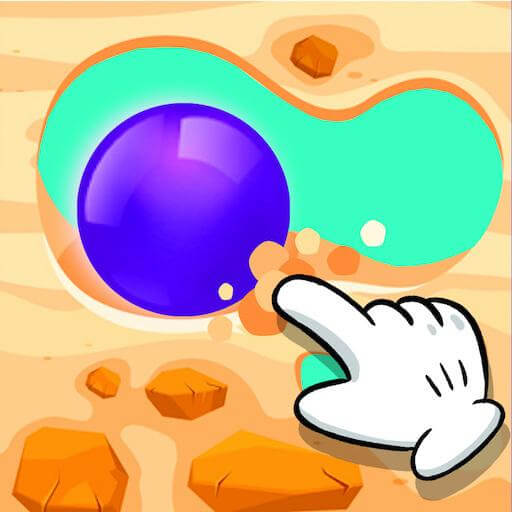 Dig lt
Examine what stands between the route and its destination before clearing the next part.
About this edition's selection method. These are catalog-based introductions and comparisons, not hands-on reviews. Controls and current rules come from the game provider.
Getting started
Open the play page, then choose Start game to connect to the game provider. Follow the instructions displayed inside the game for its rules and controls. Use touch controls where supported, or a mouse and keyboard on desktop.
If the game does not fit your display, try rotating your device or using the fullscreen control. Loading and device compatibility depend on the external provider.