
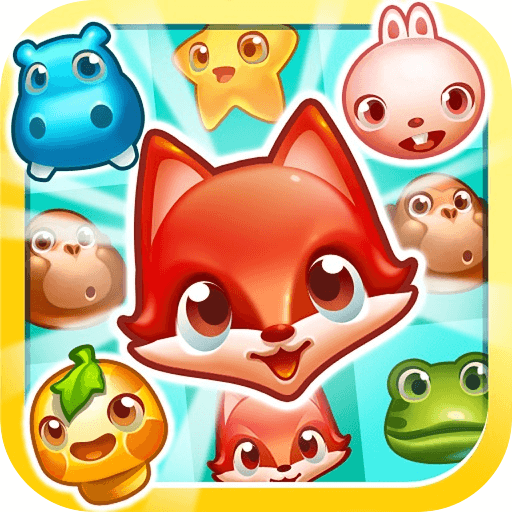
PetCrush
Look for useful pet matches and how clearing them changes the remaining arrangement.
Choose a kind of attention
What would you prefer to focus on? The following selections connect to PetCrush through the catalog details named below.
Color and object matching
Compare what the match operates on: colors, characters or themed objects can supply different contexts for the same broad matching idea.
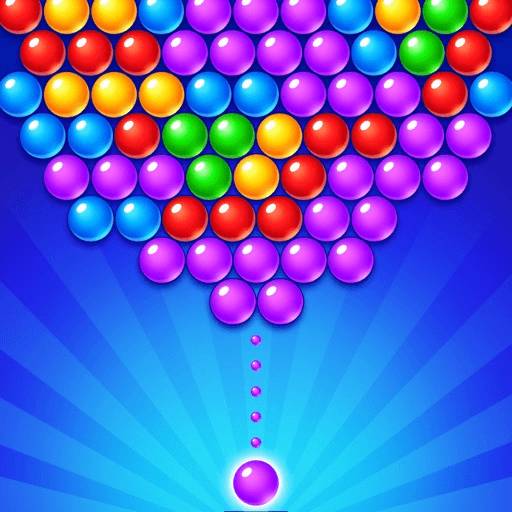 Bubble Splash
Focus on how colors are grouped and which matches contribute to clearing the board.
Changing an arrangement
A cleared board, a repaired object and an organized container are different end states. Compare the change that counts as completion.
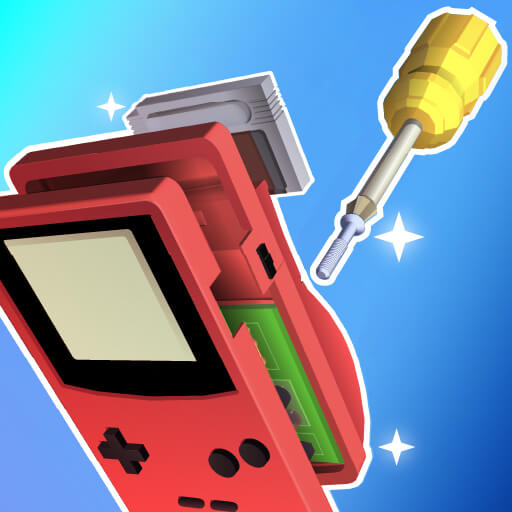 Repair It
Choose it for attention to an item's condition and the sequence described by its instructions.
About this edition's selection method. These are catalog-based introductions and comparisons, not hands-on reviews. Controls and current rules come from the game provider.
Getting started
Open the play page, then choose Start game to connect to the game provider. Follow the instructions displayed inside the game for its rules and controls. Use touch controls where supported, or a mouse and keyboard on desktop.
If the game does not fit your display, try rotating your device or using the fullscreen control. Loading and device compatibility depend on the external provider.