
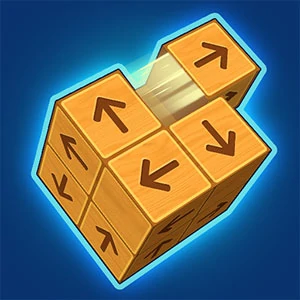
Unblock It 3D
Trace the main block's exit and examine which surrounding pieces occupy that route.
Choose a kind of attention
What would you prefer to focus on? The following selections connect to Unblock It 3D through the catalog details named below.
Finding and opening routes
Compare a route that must be discovered with one that must be created by moving or removing an obstruction.
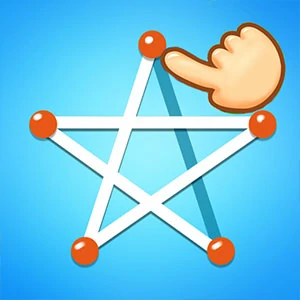 Line of Hole
Consider the destination and the route's shape before committing the line.
Reaching a destination
A hole, a parking space and a course finish are different destinations. Compare what must move and what stands in its way.
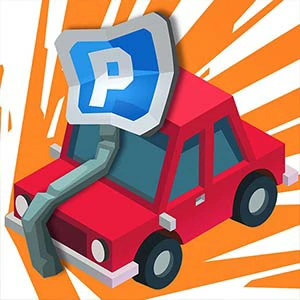 Valet Parking
Choose it for attention to restricted spaces and avoiding contact, while following the provider's actual movement controls.
About this edition's selection method. These are catalog-based introductions and comparisons, not hands-on reviews. Controls and current rules come from the game provider.
Getting started
Open the play page, then choose Start game to connect to the game provider. Follow the instructions displayed inside the game for its rules and controls. Use touch controls where supported, or a mouse and keyboard on desktop.
If the game does not fit your display, try rotating your device or using the fullscreen control. Loading and device compatibility depend on the external provider.